What’s going on
I previously built the application Qvito, which is now in production and works very well on desktop. You can check it out here: https://qvito.dk
The next phase of the project is focused on creating a mobile-friendly version that feels like a real app. Initially, I considered building a native mobile app or using Flutter, but both would require learning a new programming language and framework.
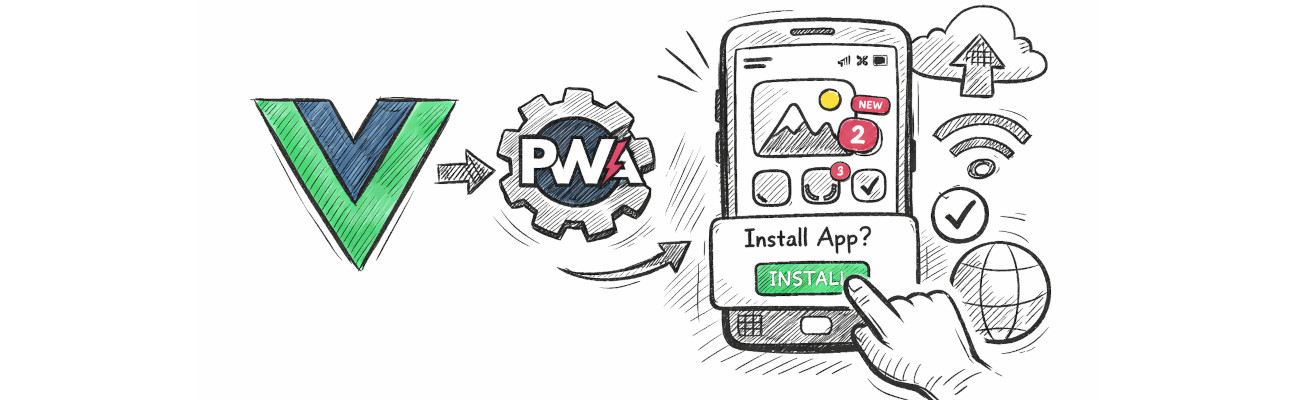
Instead, I decided to explore a Vue.js Progressive Web App (PWA). This approach allows me to stay within the Vue ecosystem while building an installable, mobile-friendly application that behaves like a native app directly from the browser.
For this phase, I’ve created a starter repository that demonstrates how to set up a Vue.js PWA from scratch, which will serve as the foundation for further development.
What is a PWA?
A Progressive Web App combines the best of web and native applications by adding:
-
A Web App Manifest that defines how the app appears when installed.
-
A Service Worker that enables offline support and caching.
-
Installability directly from the browser.
This allows your Vue application to behave like a native mobile app — without going through the App Store or Google Play.
Start project
You can find the full example repository here: https://github.com/zlaja-billund/vue-pwa-startup
The repository demonstrates a minimal and clean setup of a Vue PWA using Vite and the PWA plugin.
Technologies & Versions Used
This project is built using the following core technologies:
-
Vue 3 – Frontend framework used to build the user interface
-
Vite 7.1.9 – Next-generation frontend build tool and development server
-
@vitejs/plugin-vue 6.0.1 – Official Vue plugin for Vite
-
vite-plugin-pwa 1.1.0 – Adds Progressive Web App support (service worker + manifest generation)
-
@vite-pwa/assets-generator 1.0.2 – Automatically generates PWA icons and assets
-
workbox-window 7.4.0 – Provides utilities for interacting with the service worker in the browser
Step-by-Step Setup
- Clone the Repository
git clone https://github.com/zlaja-billund/vue-pwa-startup.git cd vue-pwa-startup - Run
npm install - Configure Vite
Insidevite.config.js, you can customize here:
import { VitePWA } from 'vite-plugin-pwa'; import { defineConfig } from 'vite' import vue from '@vitejs/plugin-vue' // https://vitejs.dev/config/ export default defineConfig({ plugins: [vue(), VitePWA({ registerType: 'prompt', injectRegister: false, pwaAssets: { disabled: false, config: true, }, manifest: { name: 'vue-pwa-startup', short_name: 'vue-pwa-startup', description: 'vue-pwa-startup', theme_color: '#ffffff', icons: [ { src: 'pwa-192x192.png', sizes: '192x192', type: 'image/png' }, { src: 'pwa-512x512.png', sizes: '512x512', type: 'image/png' }, ] }, workbox: { globPatterns: ['**/*.{js,css,html,svg,png,ico}'], cleanupOutdatedCaches: true, clientsClaim: true, }, devOptions: { enabled: true, navigateFallback: 'index.html', suppressWarnings: true, type: 'module', }, })], }) - Test the Application
Development mode:
npm run devTo fully test PWA functionality:
npm run build
npm run preview
Then open Chrome DevTools → Application tab to verify:
-
Service Worker registration
-
Manifest
-
Install prompt
-
Offline functionality
-
- Deploying
After building, deploy the
dist/folder to any static hosting provider:-
Vercel
-
Netlify
-
AWS S3
-
GitHub Pages
Make sure your site is served over HTTPS, since service workers require secure connections.
-
Why Choose a Vue PWA?
Using Vue with Vite and the PWA plugin gives you:
-
Fast setup
-
No need to learn a new language
-
Installable web app
-
Offline support
-
Simple deployment
For projects like Qvito, this approach is both practical and efficient.
Final Thoughts
Building a PWA is a powerful alternative to native mobile apps — especially if you already work within the Vue ecosystem.
If you're considering making your existing web application installable and mobile-friendly, a Vue PWA is an excellent place to start.
Feel free to explore the starter repository and build upon it: https://github.com/zlaja-billund/vue-pwa-startup